Information Literacy & Technology
The mission of Overlake’s Information Literacy & Technology Program is mission is to provide leadership, resources, and structures to develop multi-literate, adaptable learners. We seek to foster the intentional use of technology, research, information, and media to better live Overlake’s mission and values, and in doing so, to promote the lifelong skill of learning how to learn.
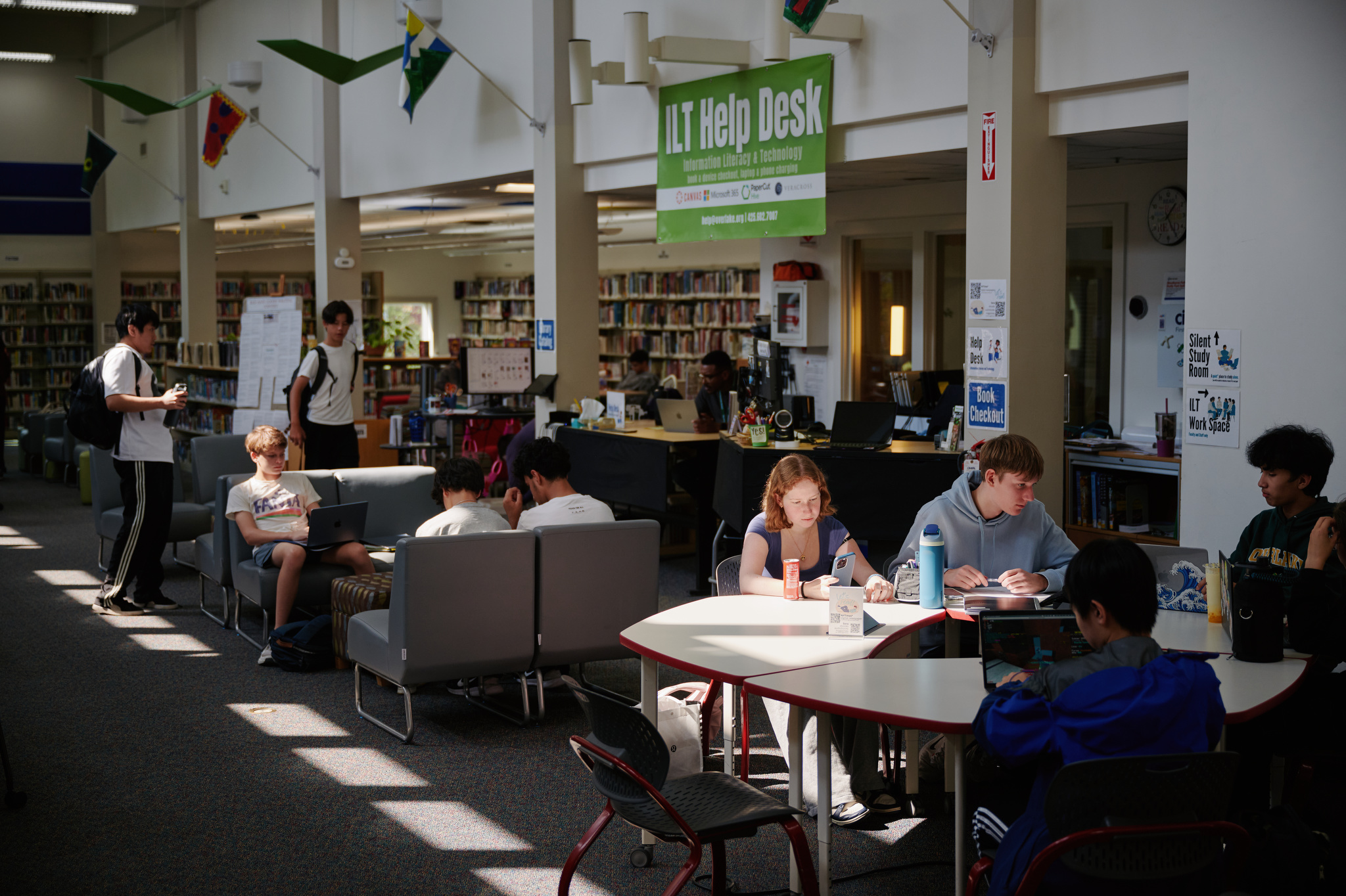
From our knowledge base, Wise, to our abundant library resources, to our BYOD device program, to our learning management system, Canvas, to instructional coaching to our integrated curriculum — all that we do is driven by our mission. We are housed in the Overlake Library, the go-to place on campus for students to study, collaborate, research, get help, and relax. Students come throughout the day, and many upper schoolers spend their free blocks here. We work closely with students and faculty on research, citing sources, citizenship, copyright, and other information literacy skills. More information about the library, including library hours, new books, middle school activities, and detailed information about our library resources can be found on our Overlake LibGuides website. For access to Overlake's online databases, log in to view the database passwords.
Find yourself connected
At The Overlake School, we believe technology is a powerful tool for enhancing our learning and teaching. As a result, an Overlake education integrates the use of technology in numerous aspects of our school program. School-wide adoption of Canvas LMS (Learning Management System) since 2013 is just one example of how technology is enhancing our educational program.
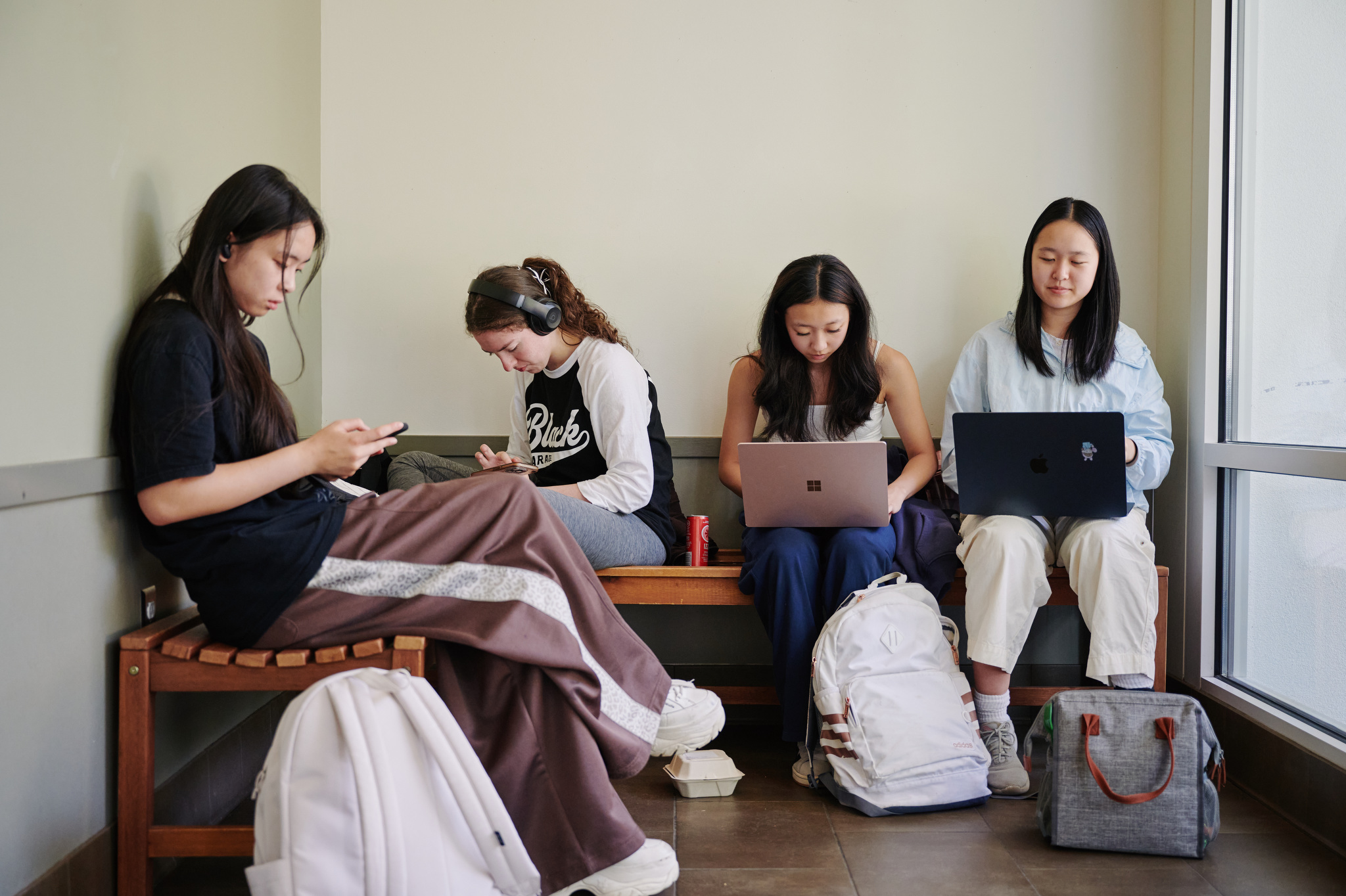
In order to support the increased use of technology, the school launched a student device program in 2015 which requires all students to bring their own device to school. Use of any devices, personal or school-owned, are subject to Overlake's Technology Use Policy. Assistance is available for students receiving financial aid.
Please find more information about the program below, and don't hesitate to reach out at the contact information below with any questions.
FAQs
The following devices are recommended by Overlake and meet the requirements of our BYOD program:
- MacBook Air or MacBook Pro
- Microsoft Surface Pro or Surface Laptop
We strongly recommend that students run the most up-to-date operating systems. If you are running Windows in S Mode, please review Microsoft's documentation on turning S Mode off. Please ensure students have run all updates prior to the start of school and are administrators on their computers, at least for the first weeks of school to configure printers, WiFi, and additional required software. Students are encouraged to use a modern browser like Google Chrome, Microsoft Edge, or Mozilla Firefox, which works best with Canvas and other Overlake services. We also require the use of anti-malware and antivirus protection. We discourage using alternate operating such as Linux systems unless the student is self-sufficient in supporting themselves. Please note that Chromebooks and iPads do not currently meet our device requirements.
If you wish to buy something different from the recommended models, it must meet or exceed the following minimum requirements:
- 8GB memory
- 256GB storage space
- WiFi 6 or 6e
- 8-hour battery life
- Microphone and front-facing camera
The Overlake School provides Microsoft 365 to all students and employees at no cost. As long as students/faculty are at Overlake, each user may install this software on up to five computers, Windows or Mac, and ten mobile devices, iOS or Android.
The subscription is free as long as you're an active student or employee.
Downloading Microsoft 365 is easy and access is tied to your Owl ID. Microsoft 365 Desktop apps include Excel, OneNote, Outlook, Teams, PowerPoint, and Word. Many applications have robust web-versions that keep your files accessible anywhere you have internet, but the desktop apps have some functionality not available in web versions.
Microsoft 365 Desktop Apps Installation Guide
- Before you start, uninstall previous versions of Microsoft® Office.
- Go to https://office.com
- Log on using your Owl ID username and password.
- Once in the Office Portal, click the button in the upper right corner of the screen that says "Install Apps"
- Office will automatically begin downloading.
- Once the download completes, if you're running Windows, choose Run or Save. On a Mac, open the downloaded file and double-click the icon that reads "Install Office 2016"
- The streaming installation will begin.
- After you have completed the install process, open an Office application, such as Word® , and you will be asked to Sign in to an existing Office 365 Subscription.
- Enter your Overlake email address (Owl-ID@overlake.org) and click Next.
- If you are prompted to choose Microsoft Account or Work/School Account, choose Work/School Account.
- Enter your password and click Sign In. Your Mac may prompt you that "Microsoft Office Setup Assistant would like to access your contacts." Click OK.
- Personalize your copy of Microsoft® Office, select your preferred setting for updates and click Continue.
If you have issues installing office, please contact help@overlake.org or visit Microsoft help.
Antivirus and anti-malware software are essential and required in order to protect your device and data from malicious attacks. The Overlake School does not provide antivirus or anti-malware software to students. The following is a list of free packages that are generally considered good products. The Overlake School Technology Department does not recommend or support any of these products specifically nor is this a comprehensive list of options.
Windows
MacOS
Wi-Fi is available in throughout indoor and outdoor spaces around campus. Community members can use Wi-Fi compatible devices anywhere service is provided. The Overlake School Campus WiFi network is constantly being expanded and improved to meet changing demands of our community.
Like your local library, hotel, or coffee shop, we provide access to the Internet with a fast, secure, and redundant connections. Look for the Overlake Open network.